
Microsoft Edge Security Flaw
Your Passwords May Be Stored in Plaintext
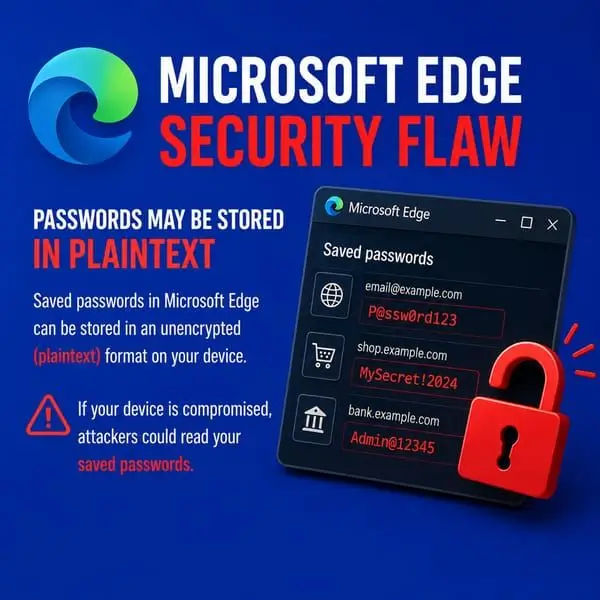
It was recently discovered that Microsoft Edge decrypts saved passwords into plain text within system memory upon startup, keeping them exposed throughout the session. Unlike other browsers, this “by design” approach, intended for performance, allows malicious actors with local access to steal credentials.
Key Findings on Microsoft Edge Password Security:
- Behavior: When Edge launches, it decrypts stored credentials from the encrypted file on disk and loads them directly into memory in cleartext.
- Persistent Threat: Passwords remain in plaintext RAM for the entire duration of the session, even for sites not visited.
- Risk Level: This poses a significant risk on shared machines, remote desktop servers, or computers compromised by info-stealing malware.
- Comparison: Unlike Chrome, which uses just-in-time decryption and features like App-Bound Encryption, Edge leaves passwords readily accessible in memory.
How to Protect Your Passwords:
- Use a Dedicated Password Manager: Switch to dedicated solutions like 1Password or DUO that only decrypt passwords when required.
- Disable Edge Password Manager: Disable the built-in password manager to prevent storing credentials in this manner.
- Clear Saved Passwords: Delete currently saved passwords within Edge settings.
- Use Hardware Authentication: Consider Yubico hardware keys for an extra layer of protection.
Please contact LaSalle Consulting Partners if you have any questions or security concerns.
Get the advantages of our industry and technical expertise today!
Call us at 312-361-3326 if you have questions or want to discuss your needs.
Did you also know…
- LCP Exhibiting at IFEBP San Diego Conference
 LaSalle Consulting Partners was thrilled to be part of the International Foundation of Employee Benefit Plan’ s June Trustees & Administrator Institute in sunny San Diego.
 - Microsoft Edge Security FlawIt was recently discovered that Microsoft Edge decrypts saved passwords into plain text within system memory upon startup, keeping them exposed throughout the session.
- Building a Human Firewall for CybersecurityYour strongest cybersecurity defense isn’t a tool—it’s your people. We often invest heavily in firewalls, endpoint protection, and advanced detection systems. But attackers aren’t just targeting infrastructure anymore—they’re targeting behavior.
- The PBGC Reports Positive Net Financial Positions for Multiemployer Insurance ProgramsThe Pension Benefit Guaranty Corporation (PBGC) is a US federal agency created by ERISA in 1974 to protect private-sector defined-benefit pension plans.